
01
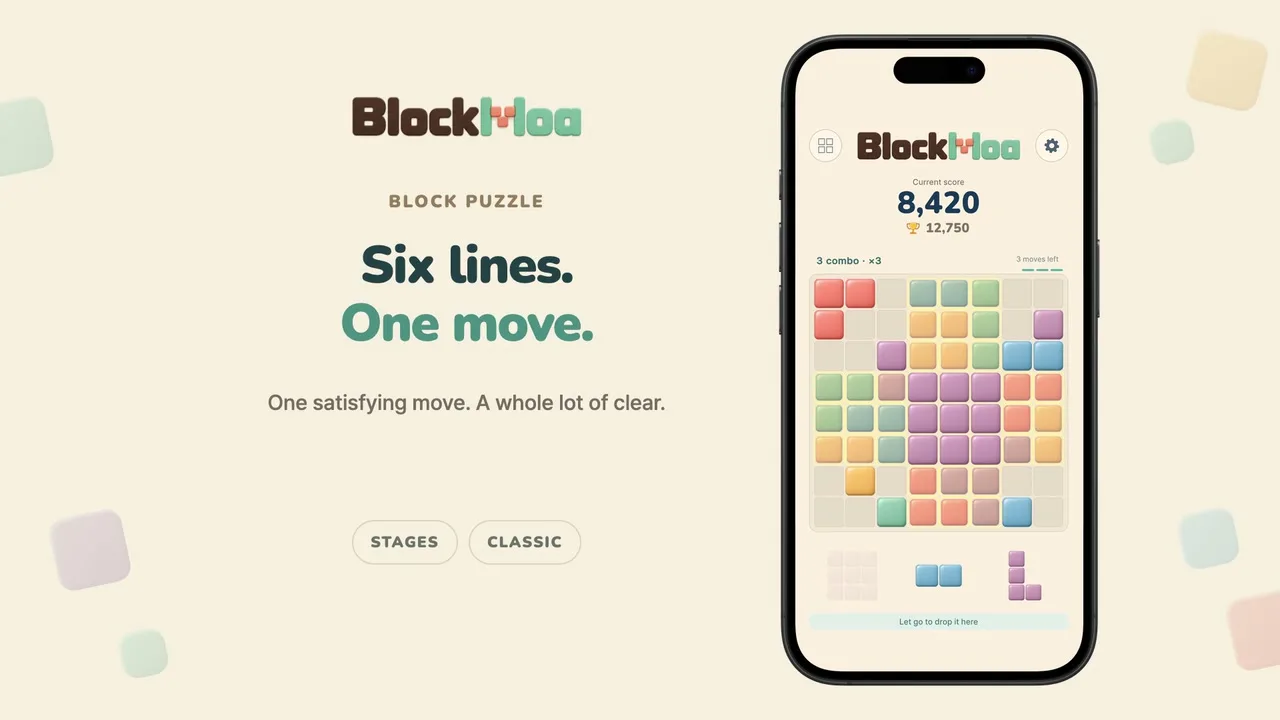
Place your three pieces
Find a space on the 8 × 8 board. Once all three pieces are placed, a fresh set is ready for you.
1.1.0 New Stage mode
Solve Stage goals with the pieces you’re given.
Or keep combos going and beat your best in Classic.


Stage mode requires version 1.1.0 or later.
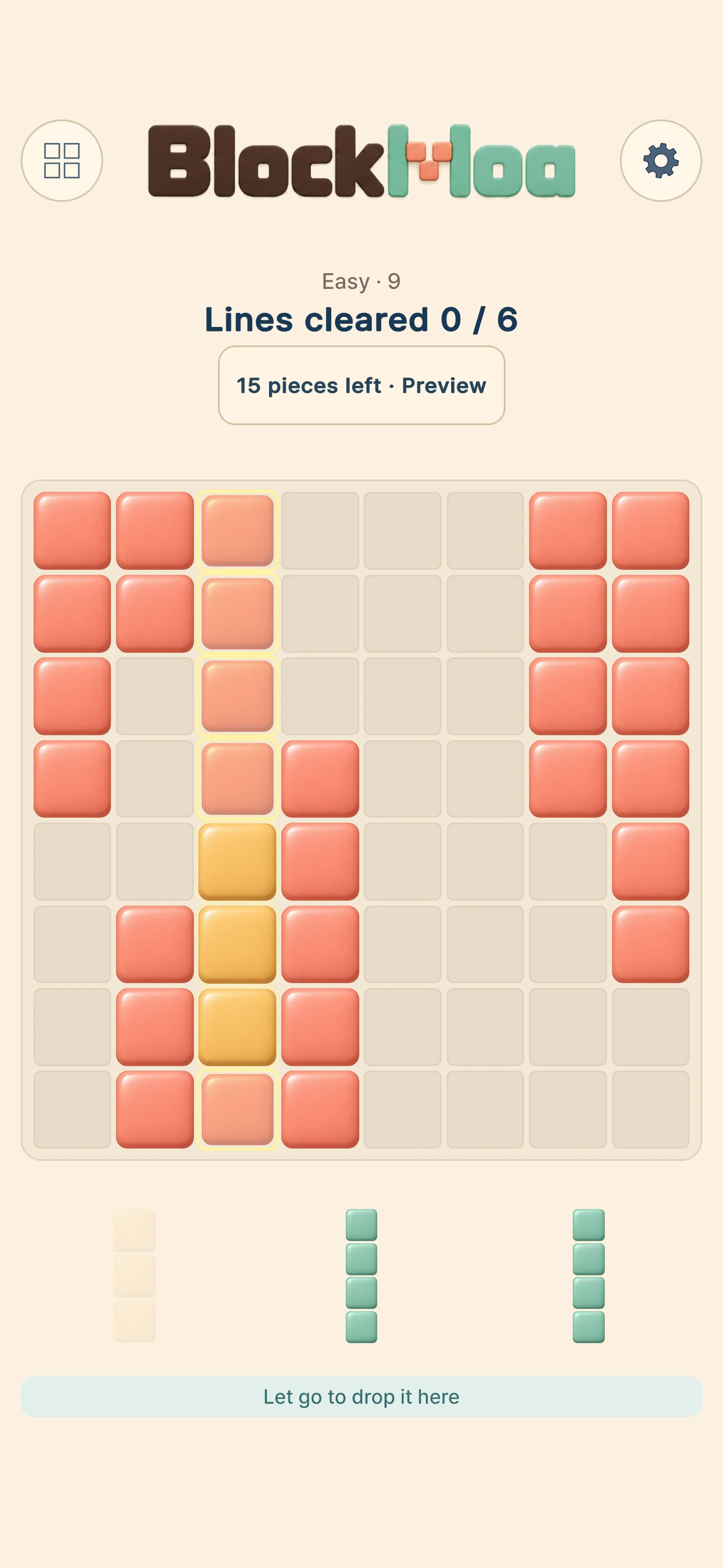
4,971 stages
Actual Stage gameplay
Stage mode
Clear a set number of lines or remove all the marked tiles on the board.
Preview the pieces still to come, then plan which ones to place first.
Choose Easy, Medium or Hard and unlock stages one at a time in that difficulty.
Line clear goal
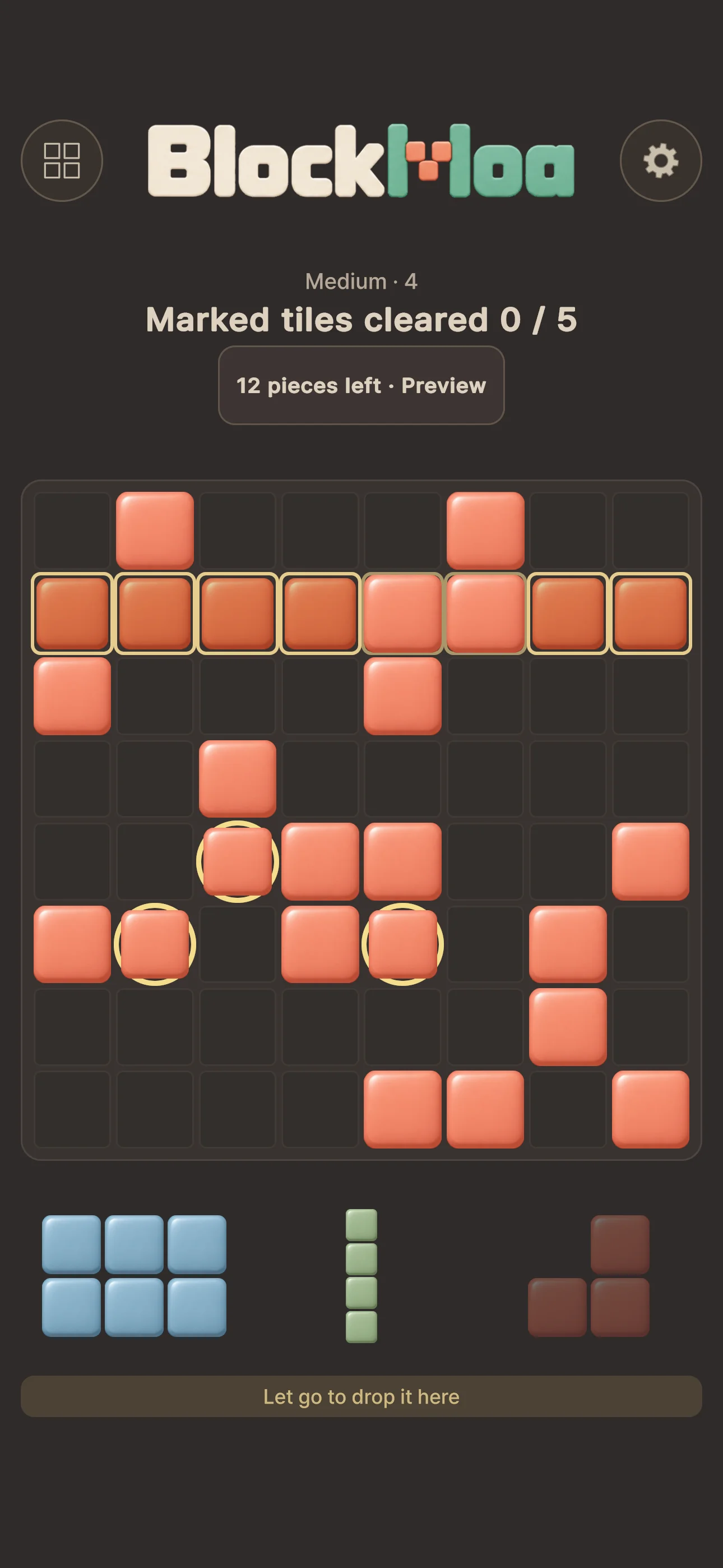
Marked tile goal
Trailer
Solve a goal in Stages or chase your best in Classic.
See both ways to play in the trailer.
Classic mode
Place a piece and clear a line.
See how high you can score, at your own pace.
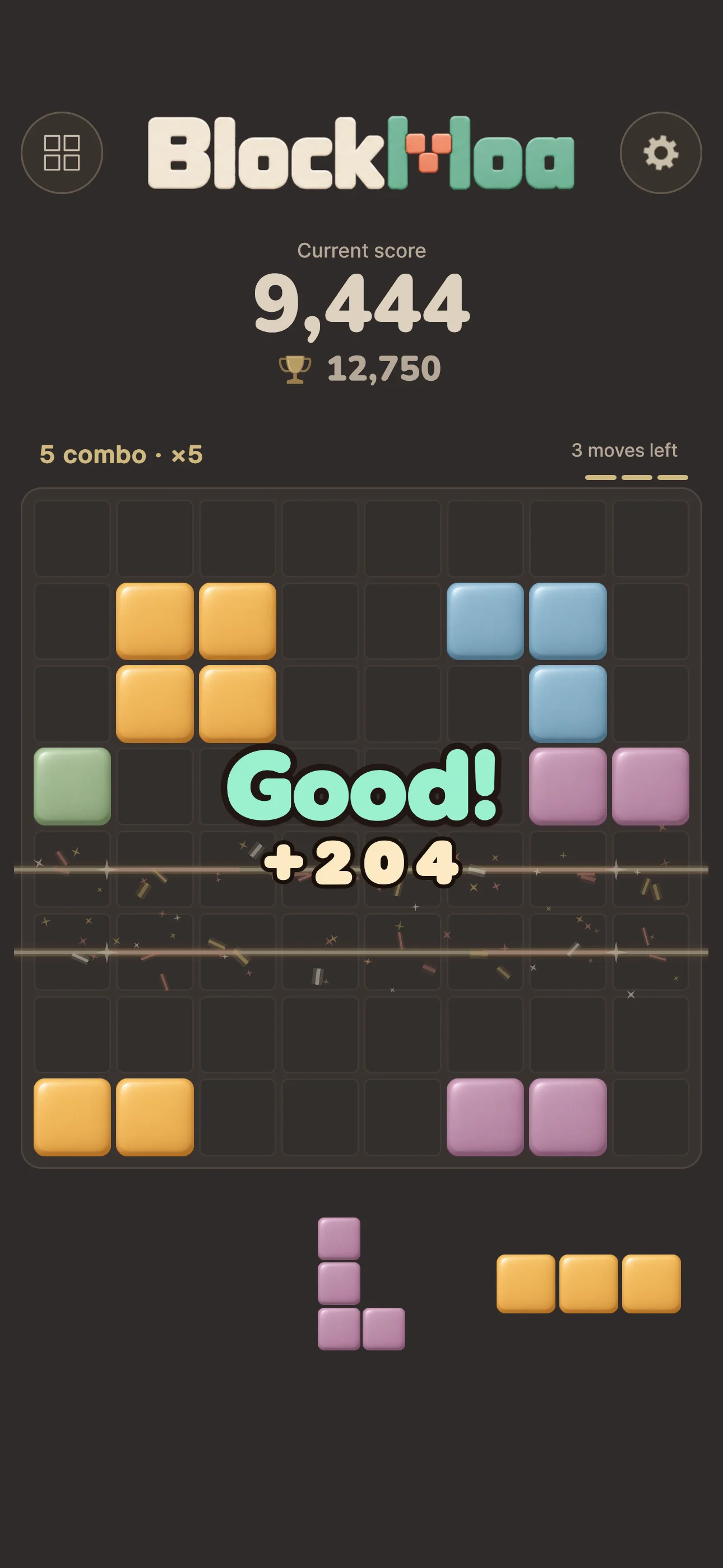
Find a space on the 8 × 8 board. Once all three pieces are placed, a fresh set is ready for you.
Fill a row or column to clear it. See which lines will disappear before you place your block.
Keep clearing for a combo. Empty the board for an All Clear. Enjoy chasing your own best score.
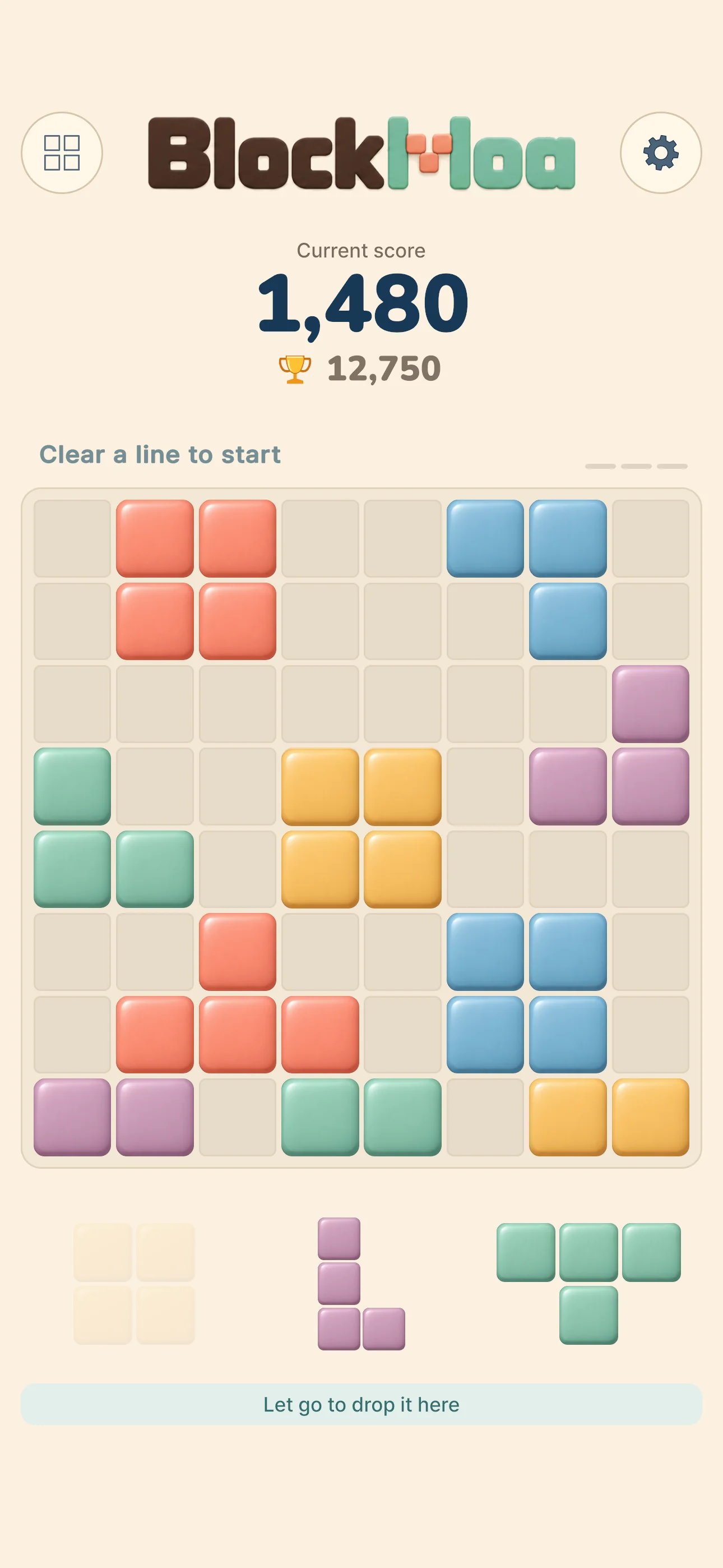
FIND YOUR OWN PACE
Sunlit pastels or cozy cocoa tones.
Two gentle themes to make a little
puzzle time feel like your time.
Soft Pop · Bright, gentle colors
BlockMoa is available now on the App Store for iOS and on Google Play for Android. Select a store badge on this website to download it.
In 1.1.0 or later, select Stages from the home screen. If you’re already playing, the mode button at the top left also takes you to the stage list.
Yes. The puzzle works offline. Your current game and best score are saved on your device, so you can pick up where you left off. Online features, such as platform achievements, need an internet connection.
Neither mode has a time limit, and pieces don’t rotate. Look at each shape and find a space that fits.
A small banner ad appears at the bottom of the screen. There are no full-screen or rewarded ads, and no in-app purchases.

A LITTLE JOY, READY TO PLAY
Find BlockMoa on the App Store and Google Play.